











Prompt
Product promo with a strong hookWrite your idea or paste your source
Start with a creative prompt, a URL, or your campaign base message.
Turn an idea, URL, or product into a complete video in minutes.
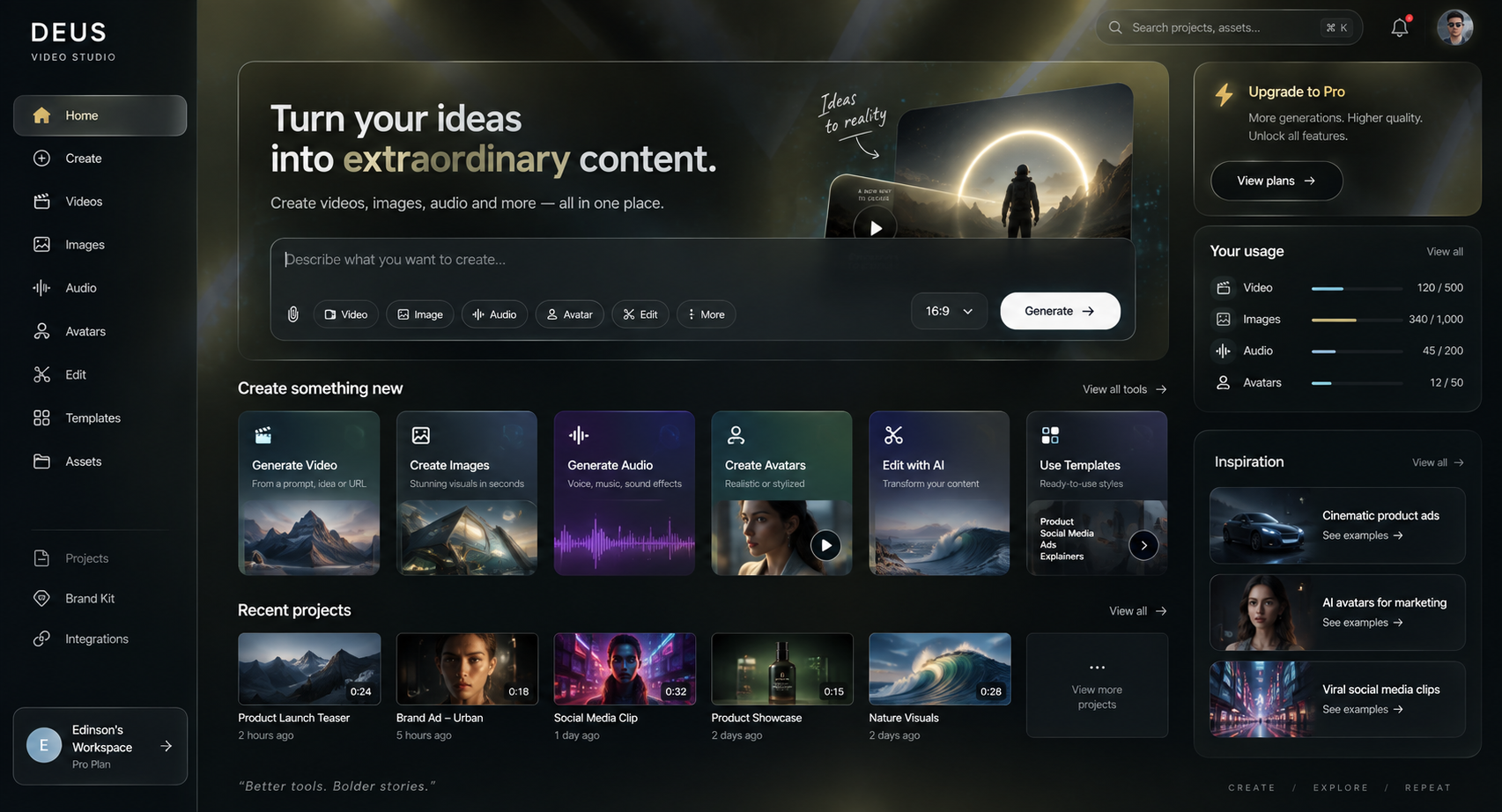
Choose what to create. DEUS shows you the available models.
Generate video, images, or audio from a prompt. Some models also accept an image or video reference.
 InfluencersSocial campaigns
 DoctorsHealthcare explainers
 ProfessionalsPersonal brand videos
 BusinessesFounder promos
Voice styles
From warm tones to more energetic voices for ads, product, and social content.



Voices from around the world
Choose a languageAdapt narration, tone, and reach for global audiences without changing your workflow.

Start with text, add a reference when the model supports it, and check the credit estimate before generating.
A simple workflow from brief to final video.
Three creators cover video, images, and audio. Each one shows models that fit your input.
See the estimated credit cost before you generate.
Scenes, animated text, and subtitles ready in one panel.
Define hook, CTA, tone, and key elements so every piece stays aligned.
Turn any script into clean, professional narration.
Describe the video you want to create, in any tone.
Choose a speech model and generate narration from your text.
Describe the soundtrack or sound effect you need and pick an audio model.
Start with a creative prompt, a URL, or your campaign base message.
Set the video tone, voice, language, and look in seconds.
AI builds structure, media, text, and visual rhythm to deliver a ready first cut.
Polish final details in the editor and export a publish-ready version.
Everything you need to get started fast and publish marketing pieces with a clear workflow.
Open the Video, Image, or Audio creator. Choose your input and model; DEUS shows an estimated credit cost before you generate. Generation time varies by model and settings.
Yes. You can define tone, messaging, CTA, logo, and guidelines so every video stays aligned with your business.
Yes, the workflow is designed for multiple business models: social content, promos, product videos, and professional communication.
You can export to MP4 with subtitle options and pieces ready to publish on social channels or campaigns.
Yes. You can refine prompts, intro lines, style direction, and brand inputs before generating, then iterate again if needed.
Yes. Many teams use it for agency delivery, internal marketing, product launches, and recurring campaign production.
No. The workflow is designed so non-editors can move from idea to publishable video quickly, while still allowing advanced fine-tuning.
Start with an idea or source. DEUS prepares the script, voice, visuals, and an editable first cut.